
588PKR Game Register – Fresh Guide For New Players
Creating an account on the 588PKR Game platform allows new users to access the features available to registered members. The registration process is designed to be simple, so users can create an account from an Android phone without complicated steps.
Before registering, make sure you provide accurate information and use an active mobile number if verification is required. Never share your password, OTP, or other private account details with anyone.
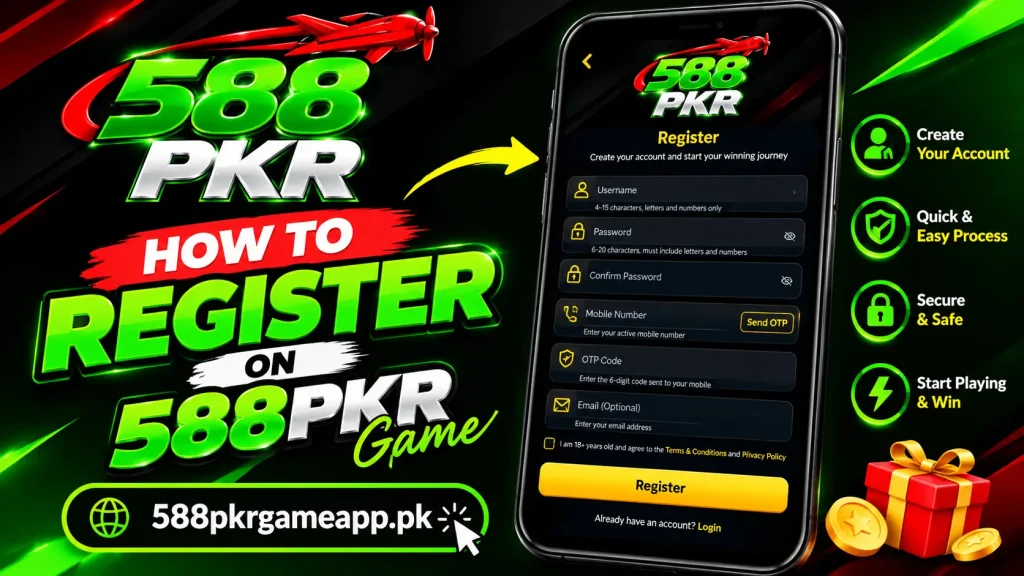
How to Register on 588PKR
Open the 588PKR App
Launch the 588PKR App on your Android device after completing the installation. Make sure your phone has a stable internet connection before opening the registration page.
Select the Register Option
On the main screen, look for the Register, Sign Up, or Create Account button. Tap the appropriate option to open the account registration form.
Enter Your Mobile Number
Provide an active mobile number in the required field. Check the number carefully because it may be used for verification or future account access.
Create a Secure Password
Choose a strong password for your account. Avoid using easily guessed information such as your name, birthday, or simple number combinations.
Keep your password private and do not send it to anyone through messages or social media.
Add a Referral Code
If you have received a valid referral code from an existing user and the registration form provides a referral field, you can enter it before submitting your account details.
Referral benefits, if available, may depend on the current promotional terms.
Complete Verification
If the registration process sends an OTP or requires another verification step, enter the requested information in the appropriate field.
Make sure you use the verification code only on the legitimate registration page.
Submit Your Registration
Review the information you entered and select Register Now, Submit, or the relevant button shown on the current version.
If all required information is accepted, your account should be created according to the platform’s registration process.
Login After Registration
After completing registration, return to the login page and enter the credentials associated with your account.
Once logged in, you can access the available dashboard features and explore the current options provided by the 588PKR Online platform.
Important Registration Tips
- Use your own active mobile number.
- Create a strong and unique password.
- Never share your OTP or password.
- Check all information before submitting the form.
- Only use referral codes from people you trust.
- Avoid registering through suspicious or modified APK files.
- Keep your account information private.
Why Create a 588PKR Account?
A registered account can provide access to features that are unavailable to visitors who have not signed in. Depending on the current version, these may include personalized account settings, game access, promotional sections, wallet functions, and other member features.
The exact options can change when the platform is updated, so users should review the current application after completing registration.
Registration Issues
If registration does not work, first check your internet connection and make sure all required fields have been completed correctly.
If an OTP does not arrive, confirm that the mobile number is correct and wait briefly before requesting another code. For continued problems, use the support option provided by the relevant platform.
Start Using Your Account
Once registration and verification are complete, you can log in and explore the available features. Use the platform responsibly, review the applicable terms, and protect your account credentials at all times.