
588PKR Game Login – How To Sign In Your Account
The 588PKR Game Login page allows registered users to access their accounts and use the features available on the platform. After creating an account, users can sign in with their registered credentials and continue from their personal dashboard.
Before logging in, make sure you are using the correct website or application and avoid entering your account details on unknown pages.
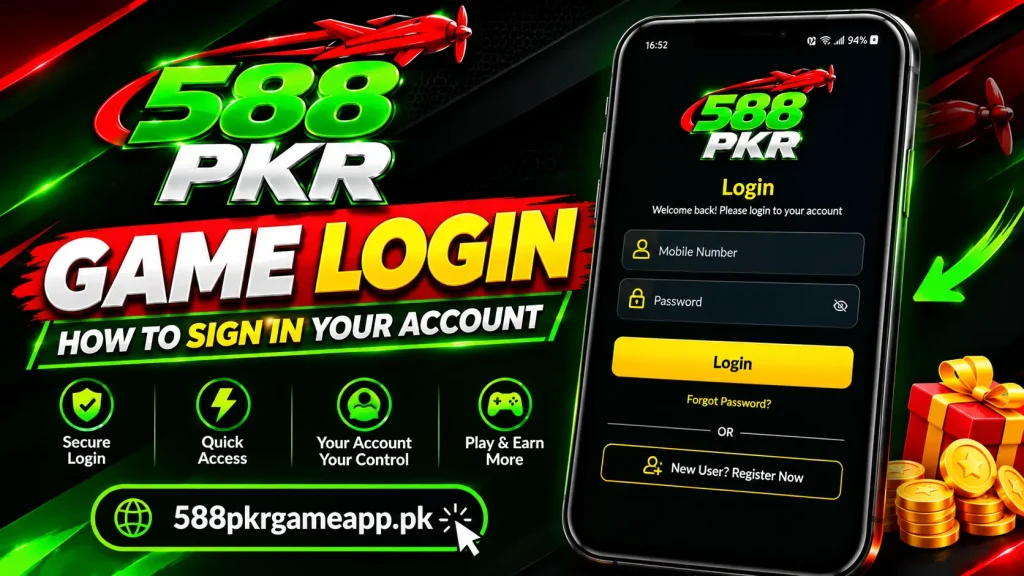
How to Login to 588PKR Game
Open the 588PKR App
Launch the installed 588PKR App on your Android phone. Make sure you have a stable internet connection so the login page can load correctly.
Select the Login Option
From the main screen, tap Login, Sign In, or the equivalent button displayed by the current application version.
Enter Your Registered Details
Enter the mobile number, username, or other login information associated with your account. Check the details carefully before continuing.
Enter Your Password
Type the password you created during registration. Avoid saving or sharing your password on devices that other people can access.
Complete Verification
If the platform requests an OTP, verification code, or another security step, follow the instructions displayed on the login screen.
Never share a verification code with another person claiming to be a support representative.
Tap Login
After checking your information, select Login or Sign In. If your credentials are correct, you should be taken to your account dashboard.
Forgot Your 588PKR Login Password?
If you cannot remember your password, look for the Forgot Password or Reset Password option on the login page.
Follow the recovery instructions provided by the platform. You may be asked to verify your registered mobile number or complete another identity check before creating a new password.
588PKR Login Not Working?
Sometimes users may experience login problems because of incorrect credentials, internet issues, outdated applications, or temporary technical problems.
Check Your Internet Connection
Make sure your Wi-Fi or mobile data is working properly. A weak connection can prevent the login page from loading or completing authentication.
Verify Your Login Details
Check your mobile number, username, and password carefully. Make sure there are no unnecessary spaces or typing errors.
Update the App
If you are using an older 588PKR APK, check whether a newer legitimate version is available. An outdated application may not work correctly with the current platform.
Restart Your Device
Close the application and restart your Android phone. Then open the app again and attempt to log in.
Contact Support
If you still cannot access your account, use the support channel provided by the relevant platform. Avoid giving your password, OTP, PIN, or complete payment details to anyone.
Keep Your 588PKR Account Secure
Account security is important when using an online Money App or gaming platform. Use a unique password and avoid sharing your login information with friends or strangers.
Always check the website address before entering sensitive information, especially when accessing your account through a mobile browser.
What You Can Access After Login
Once successfully signed in, the available dashboard may provide access to account-related features such as gaming sections, wallet information, promotions, referral features, and transaction records.
The exact features can vary depending on the current version and account status.
Logout After Using a Shared Device
If you access your account from a phone or device used by other people, log out after finishing your session. This reduces the chance of another person accessing your account without permission.
For additional protection, never allow another person to use your saved login credentials.
Final Note
The 588PKR Game Login process is designed to give registered users convenient access to their accounts. Use the correct credentials, keep your application updated, and protect your private account information.
If a login or verification problem occurs, follow the official recovery or support procedure instead of sharing confidential information with unofficial sources.